We created The Linked Blog with one main purpose – to help our readers use LinkedIn in the most efficient way and inform them regularly about new features and functionalities of the professional network. Today’s article can help everybody who seems lost in the publishing formats that LinkedIn provides. You will find structured and comprehensive information about all content formats available on the platform.
In the last few years, the platform offers its users more and more options for sharing content. It also improves the existing ones, making them more user-friendly. There are two main types of content – free (unpaid) and sponsored content posts.
Free content types
Text-Only Posts
In text-only posts, you can add only text and of course – emojis and hashtags which will help you grab the audience’s attention and boost your post’s reach. The characters should be up to 1300. Using emoticons is not a bad idea because they can direct the reader to important points of your text. For example, you can put them at the beginning of a new paragraph, instead of bullet points to make your posts more visually appealing. The tactics we use when adding hashtags – two common hashtags that you know many people follow, two corporate and the last one or two to be specifically related to the topic.
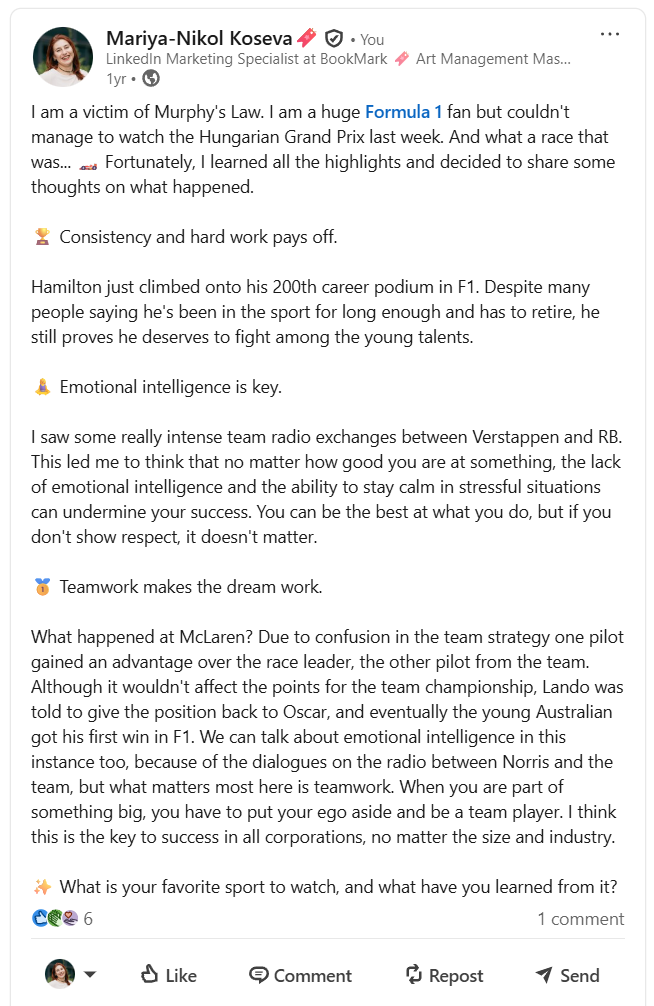
What about the links? As far as statistics show, adding a link to a text post decreases its reach. But there is a work-around! After you post an update, add a certain link and then save the changes. In this way LinkedIn will classify it as a ‘text-only post’ and it won’t display an image preview of the linked website.
ProTip: Use bitly.com or tinyurl.com to shorten your links.
Video posts
These are the native videos uploaded directly on the platform. They can autoplay in the feed and have greater reach, in comparison to posts of videos from external services, such as YouTube. What you should do is to add subtitles to each video because 79% of the viewers on LinkedIn watch with the sound off. In this way, they can understand the content and watch it even without audio on. The length can’t be more than 10 minutes, and we suggest you keep them from 30 seconds to 90 seconds max. If you wonder how to incorporate the video format in your content calendar, you can start with short video series with relevant content, interviews, tutorials, industry insights videos, etc.
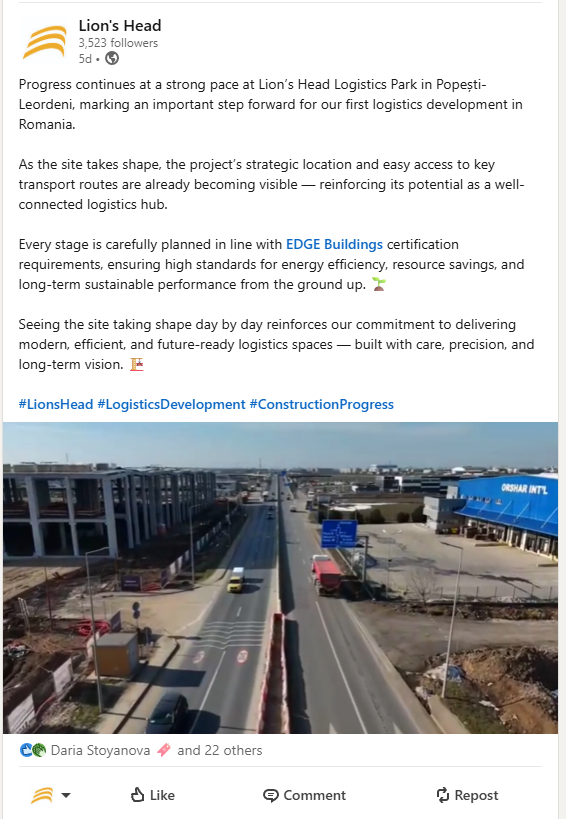
Image posts
When posting an image, you need to be sure that it is synchronized with your brand’s main messages that you want to communicate. Don’t forget LinkedIn’s campaign slogan – “Do Business Where Business Is Done”. In other words, photos of your puppy are probably not appropriate for the professional network.
Furthermore, research shows that people recall almost 65% of the visual content they see up to three days later. However, they only remember about 10% of written content in the same time period.
The recommended image size is 1080 × 1350 px, as this format is optimal for all devices and takes up more space on the viewer’s screen.
An image post can serve a thousand goals. They can include stats, products, people, quotes… You can use this format to develop your employer branding. For example share images with reviews of your satisfied clients, introduce employees or just share a photo of your team.
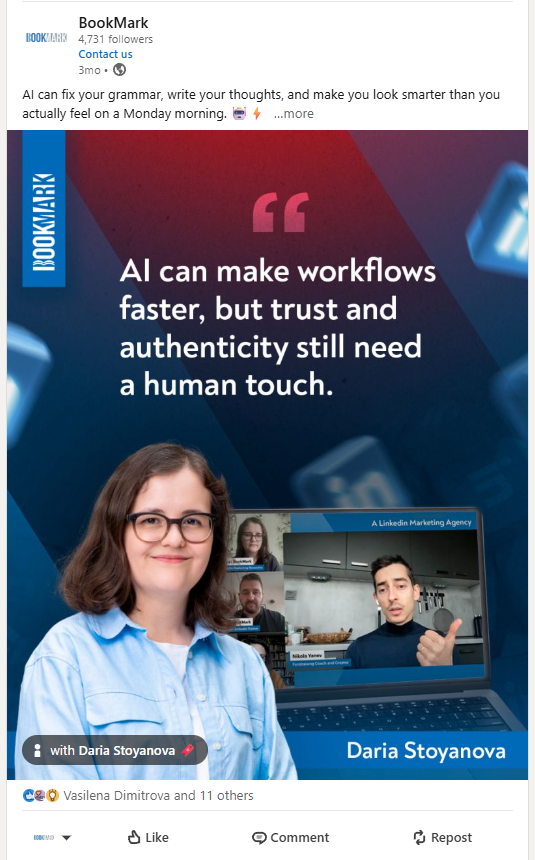
Multiple image posts
This type of post allows users to share a gallery of images (up to twenty) within one post. You can share photos from events, conferences, or competitions. Keep in mind that the first image will be larger and therefore more visible to the users. Also, if you add more than 4 images at the same time, the others won’t be seen unless the user clicks through the post. On one side this can bring more engagement to the post as people will be curious to check all the photos, but on the other, this is one of the “heavier$ formats, therefore we don’t recommend overusing it.
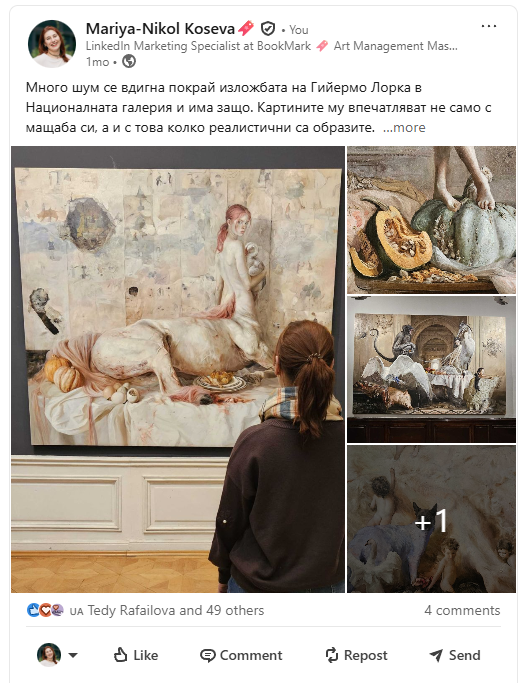
Documents
I really like this one very much. It allows you to share PowerPoint files, Word documents, or PDFs directly in a post on your feed and you will be able to see it visualized like a slideshare.
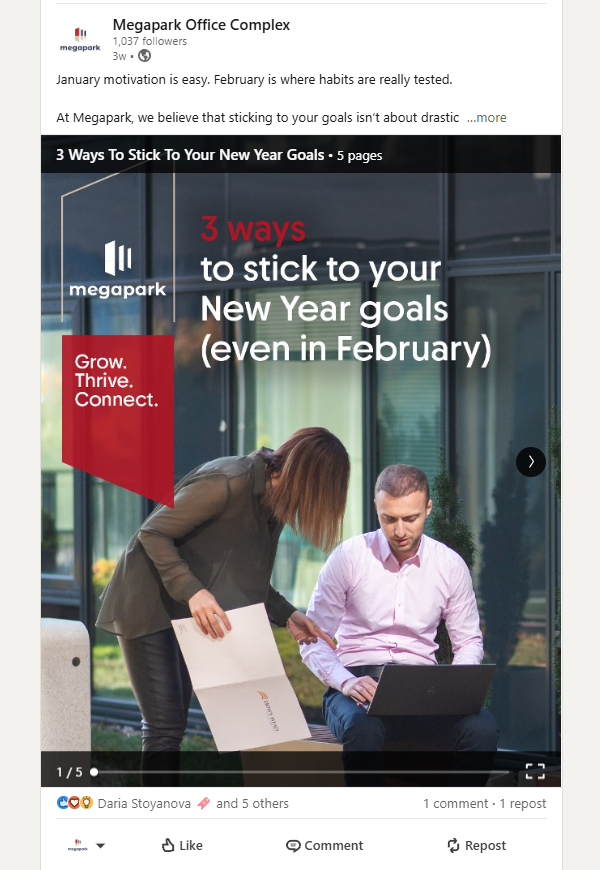
Every document needs a very clear title because your viewers need to know what exactly they see. An important note here is that the document can be downloaded and if you have added links into the document, they can now be clicked. Keep in mind that the document has a line at the bottom and the top of the design, so no text should be present there. These posts have very high performance as the platform counts every click on the arrows to move to the next slide as a click on your post.
ProTip: Don’t forget to check regularly the analytics of your posts as they will show you what works best for your audience.
LinkedIn Articles
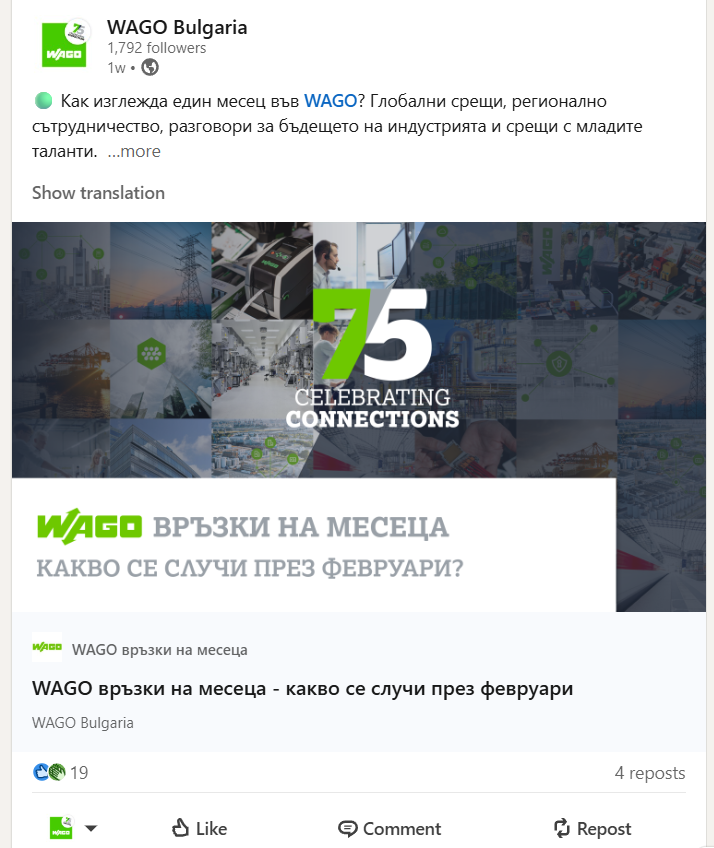
With this long-form type of content, LinkedIn wants to help its members contribute professional insights on the network. The ability to publish articles is available to all members on the platform. You can’t access the publishing tool from a mobile device, it is only available on a desktop computer and on a tablet. You can use rich media to make your content visually appealing.
The optimal image size for your cover photo is 1920 x 1080px. This tool is a perfect choice when you want to share professional expertise and interests with your network and beyond because even users who don’t have a profile on LinkedIn can read your articles.
LinkedIn Polls
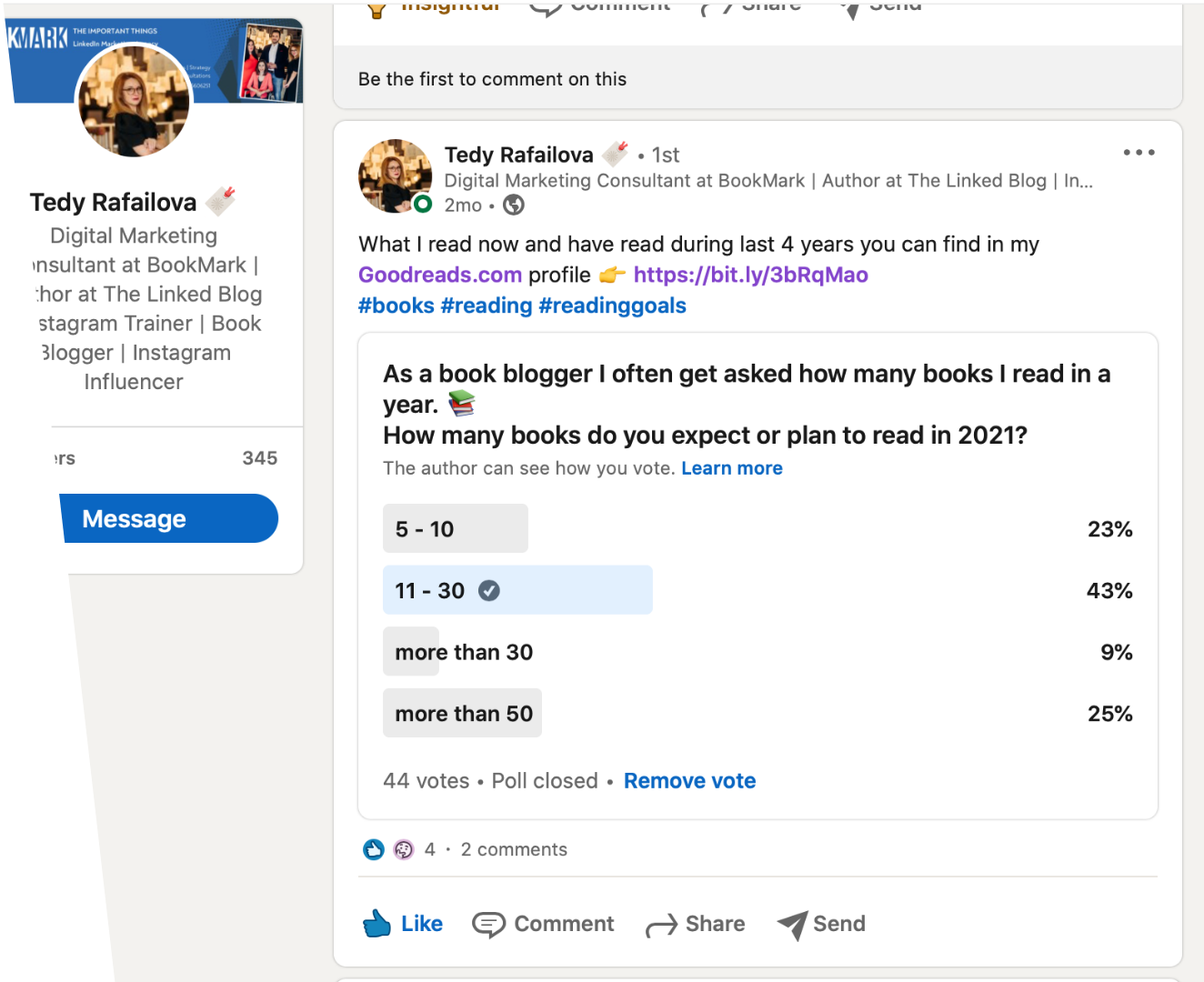
You can use LinkedIn Polls when you want to engage your network by asking them about their opinions on different topics. If you have a doubt about what decision to make, this is a quick way to get feedback from your followers. There аre a few important things you need to know before creating a Poll on LinkedIn. Your question can contain a maximum of 140 characters and you can add up to four answer options. The poll’s duration is between 1 day and two weeks. Only you can see who has voted.
When it comes to LinkedIn Pages, only Admins of the Pages have this ability. You can also target where your Poll will be displayed. By targeting specific Groups, you can get even more relevant insights. When the Poll is closed, you can continue the conversation with those who have voted and ask them why they have chosen the certain answer.
LinkedIn Live
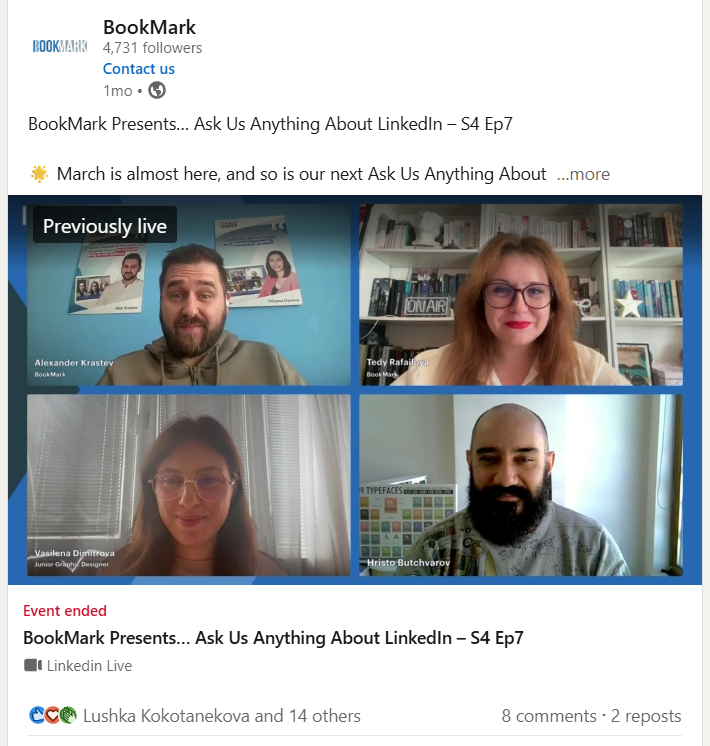
With LinkedIn Live you can stream live and drive more engagement with your audience. This will only happen if you choose relevant topics that would appeal to and provide value to a business and professional audience. Stats from LinkedIn show that LinkedIn Live videos get on average 7x more reactions and 24x more comments than native video produced by the same broadcasters.
To access the feature you need to apply for it. Once you’ve received approval through confirmation notification and/or email, follow the steps described here and get started.
Paid Content Formats
Sponsored Content
This type of content ad allows you to reach a targeted audience with professionals and potential customers including those beyond your LinkedIn Page’s followers. You can think about Targeted and Sponsored Content as native advertising. LinkedIn Sponsored Content posts show on the LinkedIn feed of your audience but they are labeled as “Promoted” in order to be distinguished from organic content. They will help your Page grow by increasing its followers, boost awareness of company news, or useful information, and drive quality leads to your blog or landing page.
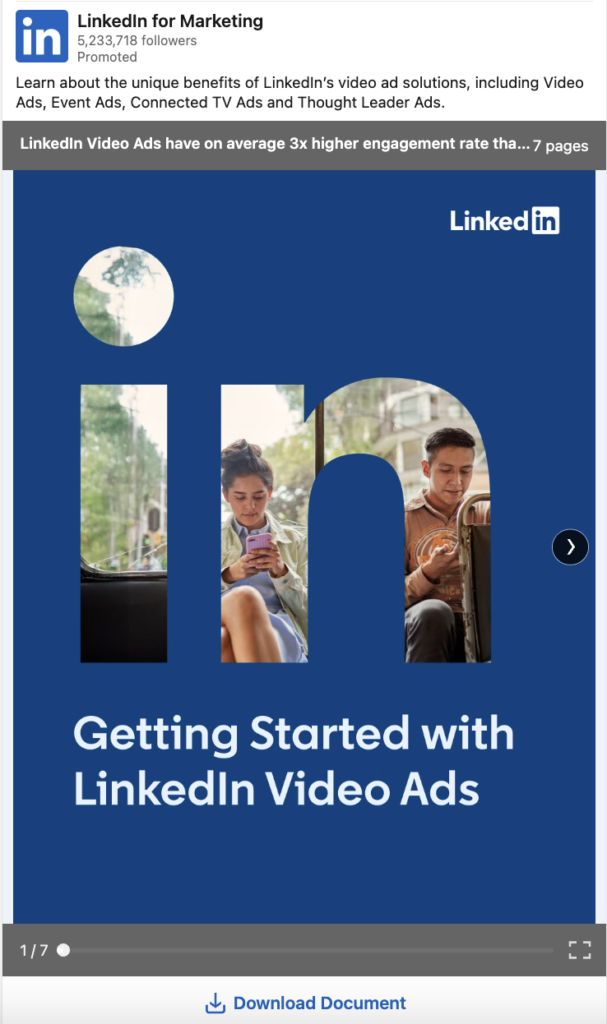
Direct Sponsored Content
If you are a marketer, Direct Sponsored Content is a good choice to test different ad creatives and targeting combinations to see which audience engages the most. The key difference compared to Sponsored Content is that it allows you to deliver ads directly in the LinkedIn feed without publishing them on a Company or Showcase Page first.
Direct Sponsored Content gives you the flexibility to experiment with different messaging, visuals, and formats in parallel, and quickly understand what resonates best with your audience. Based on these insights, you can refine your approach and scale the top-performing variations more efficiently.
To use this format, you need the appropriate permissions on both the LinkedIn Page and the ad account. On the Page level, this includes Super Admin, Content Admin, or Sponsored Content Poster access. On the ad account side, you need roles such as Account Manager, Campaign Manager, or Creative Manager. This ensures you can create, manage, and distribute the content seamlessly without affecting your organic feed.
Boosting Posts on LinkedIn
Boosting posts is a quick and accessible way to amplify organic content directly from your LinkedIn Page. If you have Super Admin or Content Admin access, you can promote posts in just a few steps, without the need to build a full campaign in Campaign Manager.
This makes boosting especially useful for extending the reach of content that is already performing well organically. Instead of starting from scratch, you can build on existing engagement and increase visibility among a broader or more targeted audience.
At the same time, boosting offers a more simplified setup compared to Campaign Manager, which makes it a good starting point for lighter campaigns. For more advanced targeting, testing, and optimisation, Campaign Manager offers greater flexibility and include the ability to promote content from personal profiles through Thought Leadership Ads. This allows brands to combine their communication with authentic, expert-driven content and often achieve stronger engagement.
ProTip: Don’t forget to install the LinkedIn Insight Tag on your website as it measures your conversions and enables demographic reporting on your website visitors.
At the end of this long but I believe useful and information-rich article, I want to emphasize that sharing consistent and targeted posts is one of the key factors of creating a strong content strategy. If you want to reach more people, engage your audience, or be a thought leader, you should start posting regular and relevant content.
The Linked Blog is here to help you or your brand have the best possible LinkedIn presence, so feel free to contact us if you need help! See what else we can do for you here.